





If you’re juggling between multiple computers for work, gaming, or personal use, you know how quickly your desk can turn into a tangled mess of monitors, keyboards, and cables. Fortunately, there’s a sleek and smart solution to this problem: the KVM switch. And not just any KVM switch—a KVM switch with HDMI and USB support is the game-changer for today’s multitaskers. In this article, we’ll break down what a KVM switch is, how it works, and why opting for one with HDMI and USB ports can drastically simplify your multi-PC setup.
What Is a KVM Switch?
A KVM switch stands for Keyboard, Video (monitor), and Mouse switch. It’s a device that lets you control multiple computers using just one keyboard, one monitor, and one mouse. Instead of constantly plugging and unplugging peripherals, a KVM switch allows you to switch control between machines with the press of a button or a hotkey.
This tool has been around for decades, mostly used in server rooms or tech environments. But as remote work, gaming, and content creation evolve, more people are discovering the convenience of having one centralized control station for multiple systems—whether that’s a PC and a Mac, a work computer and a personal one, or even a gaming rig alongside a streaming setup.
Why HDMI and USB Matter
As tech evolves, so do the demands of users. HDMI has become the standard for high-definition video, while USB is essential for virtually every peripheral. Here’s why a KVM switch with HDMI and USB is worth considering:
1. HDMI for Crystal-Clear Video
HDMI support ensures that your video signal maintains the quality you expect—from 1080p all the way up to 4K resolution. This is especially important for content creators, gamers, and professionals who rely on clear, high-resolution displays. Whether you’re editing videos, gaming, or presenting designs, HDMI ensures crisp visuals with no lag or degradation.
2. USB for Seamless Peripherals
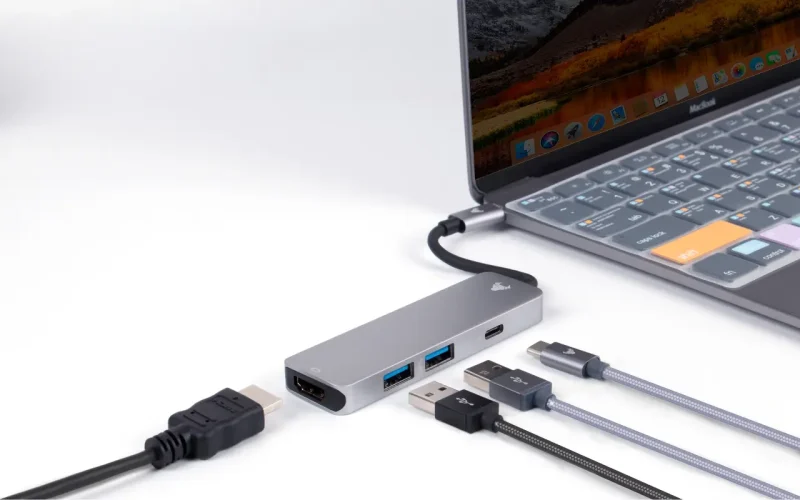
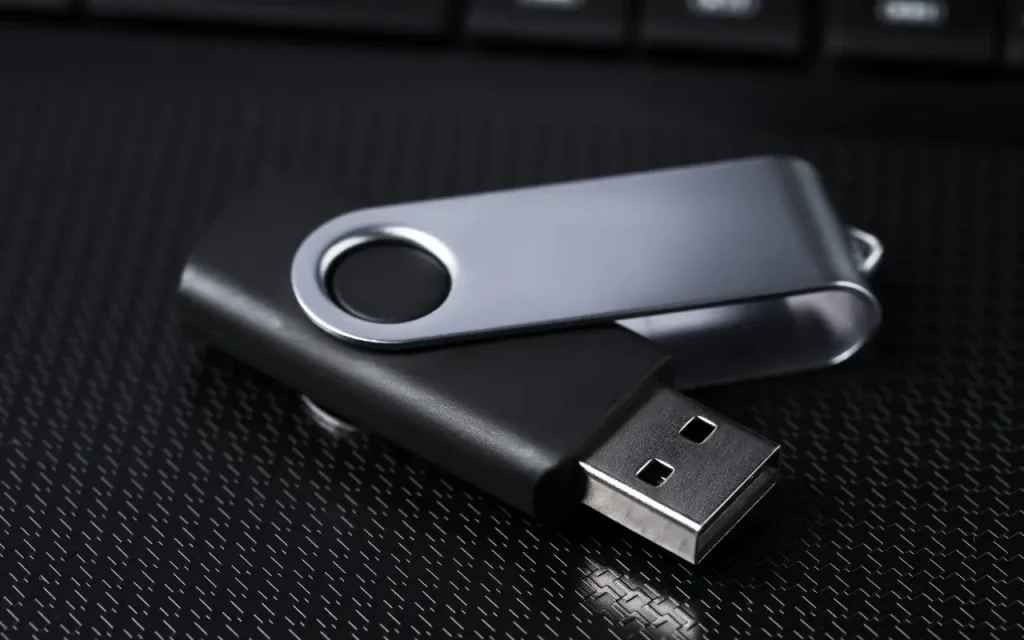
USB ports on your KVM switch allow you to use the same keyboard, mouse, and even other peripherals (like printers or USB drives) across multiple systems. Some advanced KVM switches also support USB 3.0 for faster data transfers, and even audio switching for headsets or speakers.
Together, HDMI and USB make for a fully integrated, plug-and-play experience. No fussing with different dongles, adapters, or software installations.
How Does a KVM Switch Work?
Using a KVM switch is surprisingly simple:
- Connect your monitor to the HDMI port on the switch.
- Plug your keyboard and mouse into the USB ports.
- Use HDMI and USB cables to connect each computer to the switch.
- Power everything on.
- Use the switch button, a remote control, or a keyboard shortcut to toggle between connected devices.
It’s that easy—one screen, one keyboard, one mouse, multiple computers.
Benefits of Using a KVM Switch with HDMI and USB
Here’s why more and more users are making the switch (pun intended):
1. Declutter Your Workspace
No more duplicate monitors or tangled cords. A KVM switch helps keep your desk neat and organized while making transitions between machines seamless.
2. Boost Productivity
Whether you’re working on a personal project and need to hop to your work PC or testing software across systems, a KVM switch lets you jump between machines instantly without moving around or unplugging anything.
3. Great for Remote Work
Many people now use one computer for work and another for personal use. A KVM switch lets you easily toggle between the two, without needing to set up a full second workspace.
4. Save Money and Space
Why buy a second monitor, keyboard, or mouse if you don’t have to? A KVM switch lets you share your gear across systems, which is perfect if you’re working in a small space or just don’t want to invest in more equipment.
5. Ideal for Gamers and Streamers
Many streamers run a dual-PC setup—one for gaming, one for streaming or recording. A KVM switch HDMI USB allows seamless transitions and control without extra clutter or confusion.
What to Look for When Buying a KVM Switch
There are plenty of KVM switches out there, so here are a few key things to consider:
- Number of Ports: Make sure it supports the number of systems you plan to connect.
- Resolution Support: Look for 4K compatibility if you’re working with high-res displays.
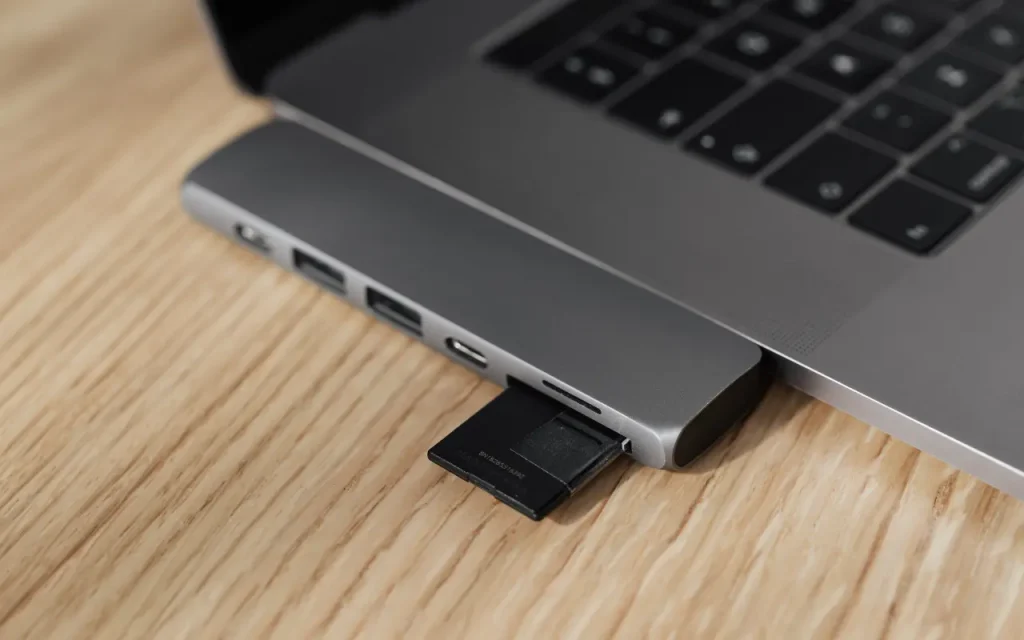
- USB Type: USB 2.0 works for basic peripherals, but opt for USB 3.0 or higher for data-heavy devices.
- Switching Method: Some allow you to switch via buttons, hotkeys, or remote control—choose what works best for your setup.
- Build Quality: Go for a reliable, solid design that will last through daily use.
Final Thoughts
Whether you’re a remote worker, developer, gamer, or multitasking pro, a KVM switch with HDMI and USB can streamline your entire workflow. It helps declutter your desk, boost your productivity, and make switching between systems effortless. You’ll spend less time plugging in cables and more time doing what you love—whether that’s writing code, editing videos, playing games, or jumping between Zoom calls.
So if you’re tired of cable chaos and switching keyboards just to check a file or send an email, maybe it’s time to make the switch.
Further Reading